
Ninja Gaiden 4 PC optimization guide: Best settings for smooth gameplay
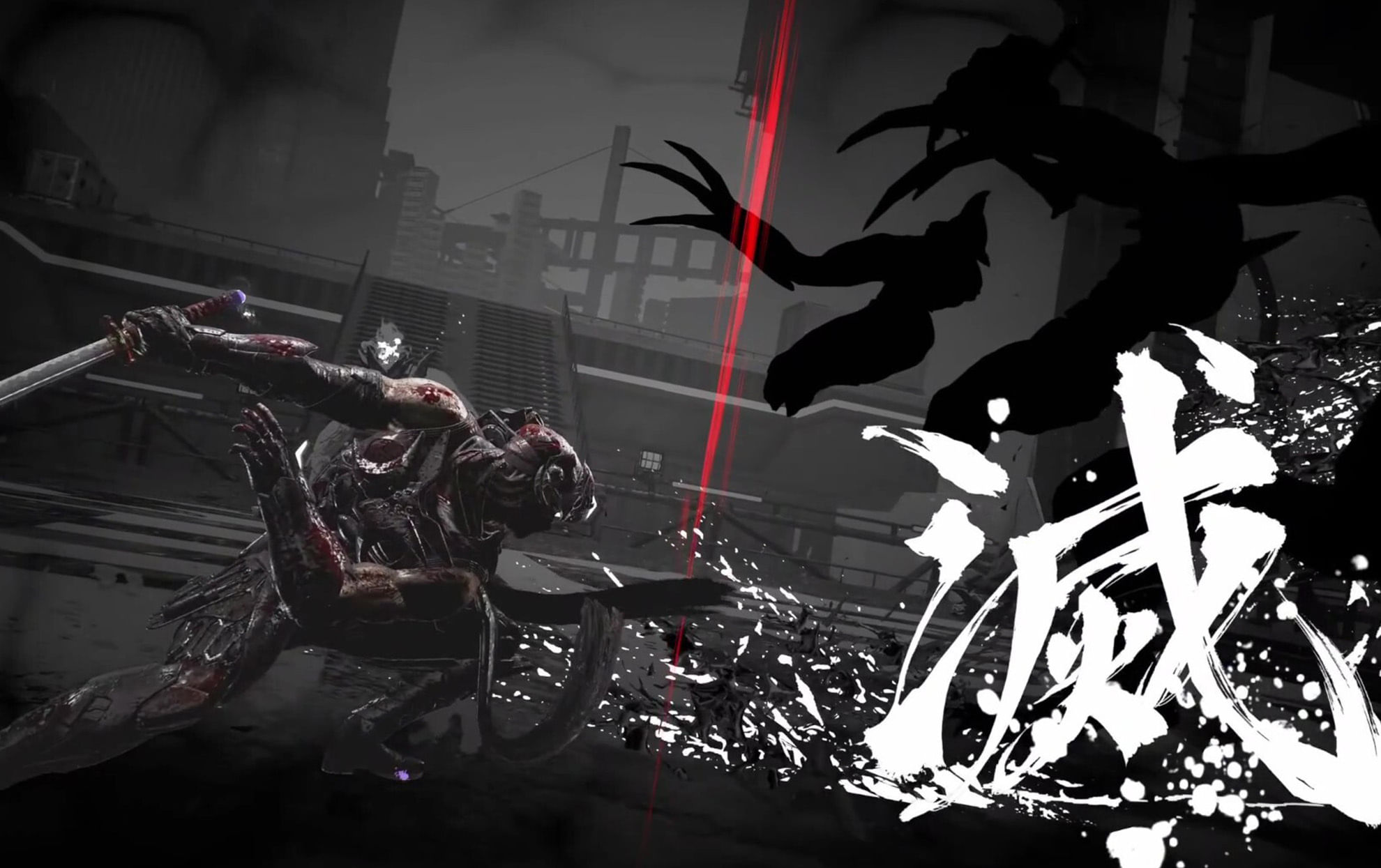
(Courtesy : Ninja Gaiden)
Apply these settings for 60fps+ gameplay
The fans and gamers are pretty hyped with the release of Ninja Gaiden 4, which brought back difficult hack-and-slash combat for the fans.
While parrying and dodging your enemy’s attack, the last thing you need is stuttering frames, turning Ryu and Yakumo into a slideshow presentation.
If you are playing on PC, here is the best guide and settings that you can apply to make the game run smoothly as butter.
Best graphics settings for Ninja Gaiden 4 on PC
Here are the best settings to apply based on Low, Recommended, and Ultra presets in the game:
| Setting | Low (30-60 FPS) | Recommended (60 FPS) | Ultra (60+ FPS, High-End) |
|---|---|---|---|
| Ambient Occlusion | Low | High | High |
| Reflection Quality | Low | Medium | High |
| Shadow Quality | Low | High | High |
| Texture Quality | Medium | High (Medium for 6GB GPUs) | High |
| Volumetric Fog | Low | Low | High |
| Wind Effects | Disable | Disable | Enable |
You can start with Recommended settings and make changes to Shadows to Medium, if there are still stutters. You can also cap the fps to 60.
Also Read: All Ninja Gaiden 4 trophies & achievements
Anti-Aliasing & Upscaling tips
DLSS always shines on RTX cards. You can turn it on for more sharper edges and gameplay. Skip DLAA if using DLSS (it degrades performance); instead, disable in-game AA and force TAA using NVIDIA/AMD tools.
On AMD, FSR at Balanced reduces aliasing without blurring. Pro tip: If your GPU weeps, lock 120 FPS—cutscenes smooth up dramatically. These settings are recommended by Deltias Gaming.
Ninja Gaiden 4 PC requirements
Before making any solid changes in the game, make sure to check your pc requirements for this game:
Minimum (1080p / 30 FPS, FSR Quality “Low,” Object Quality “Low”)
- OS: Windows 10/11 (64-bit)
- CPU: Intel Core i5-8400 or AMD Ryzen 5 3400G
- RAM: 16 GB
- GPU: NVIDIA GeForce GTX 1060 (6GB VRAM) or AMD Radeon RX 590 (8GB VRAM)
- DirectX: Version 12
- Storage: 100 GB (SSD required)
- Sound: 16-bit 48 kHz
Recommended (1080p / 60 FPS, FSR Quality “Middle,” Object Quality “Middle”)
- OS: Windows 10/11 (64-bit)
- CPU: Intel Core i5-10400 or AMD Ryzen 5 3600
- RAM: 16 GB
- GPU: NVIDIA GeForce RTX 2060 Super (8GB VRAM) or AMD Radeon RX 5700 XT (8GB VRAM)
- DirectX: Version 12
- Storage: 100 GB (SSD required)
- Sound: 16-bit 48 kHz
FAQs
What are the minimum PC requirements for Ninja Gaiden 4?
Intel i5-8400/AMD Ryzen 5 3400G, 16 GB RAM, GTX 1060 6GB/RX 590 8GB, 100 GB SSD—aims for 1080p 30 FPS with low FSR.
Best graphics settings for 60 FPS in Ninja Gaiden 4?
Recommended preset: High Ambient/Shadows, Medium Reflections/Textures, Low Volumetric Fog, Wind off—pair with FSR Quality for stability.
Should I use DLSS or FSR in Ninja Gaiden 4?
DLSS for NVIDIA RTX (sharper, but toggle-only); FSR for everyone else—Balanced mode fights aliasing without blur; force via Control Panel.
For more updates, follow Khel Now Gaming on Facebook, Twitter, and Instagram; download the Khel Now Android App or IOS App and join our community on Telegram & Whatsapp.

Mahaksh Chauhan is a passionate gaming journalist who loves for old-school RPGs and turn-based games. With a keen eye for storytelling and a deep understanding of game mechanics, Mahaksh brings an unique perspective to the world of gaming. Inspired by classics like Persona, Red Dead Redemption 2, and Skyrim, Mahaksh is dedicated in sharing the magic of games with readers. When not writing or gaming, Mahaksh can be found cheering on WWE superstars or watching his favourite Anime.