
EA FC 26: Best controller & camera settings
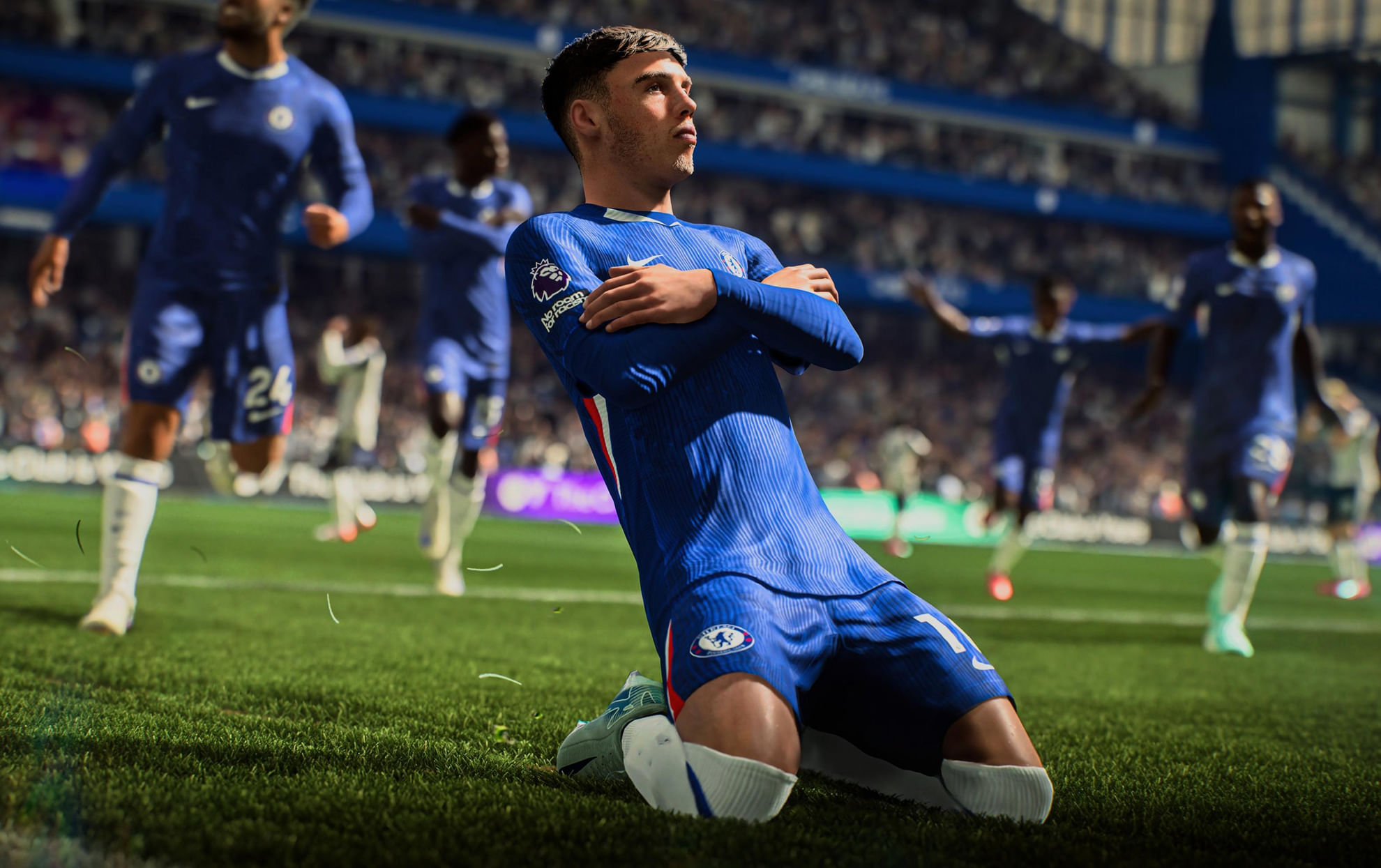
(Courtesy : EA Sports FC)
Optimize your settings for better gameplay
FC fans and gamers are pretty hyped for EA FC 26, whose early access is live right now with full launch set on September 26, 2025. Whether it’s quick match, FUT mode, career mode, etc, controller and camera settings play a huge part in FIFA games.
They won’t turn you into pro overnight, however, they are much better to use rather than the default settings in the game. Better controls and camera angles might play a huge part in the victory of the game itself. Let’s check out more details in this article.
Catch Every Update, Anytime, Anywhere
EA FC 26 Controller settings: Time to dominate
Here are the best controller settings that we feel are most likely comfortable and provides much help in the game:
- For precision shooting, use Precision Partially Assisted. It combines manual aim with a little of assistance, and you can select Precision Shot Visuals in Visual Settings for a handy aiming arrow—ideal for developing muscle memory.
- Pass assistance includes the Set Through Pass, Lobbed Through Pass, and Ground Pass to Semi. This keeps things realistic without using full autopilot.
- Clearance Assistance: Completely directional—aim your clears precisely, with no random flubs.
- Defense: Advanced Defending is essential. It lets you choose between stand or slide tackles, eliminating uncertain animations.
- To avoid the game stealing your flow, limit your auto switching to Air Balls and Loose Balls only.
- Auto Switching Move Assistance: None; manage transitions manually for faster reactions.
- Right Stick Switching: Classic with Player Relative Reference. To prevent weird swaps, avoid using Ball Relative.
- Right stick sensitivity: 4 strikes a balance between speed and precision.
- Player Lock: On for advanced movements.
- Simplified Skill Moves: Off—don’t let the game pull any unexpected tricks.
- Analog Sprint: Turn off to maintain consistent speed control.
- To reduce input lag and distractions, turn off both the vibration and trigger effect.
EA FC 26 Camera settings
- Camera Preset: Tele Broadcast.
- Camera Height: 12.
- Camera Zoom: 0.
Extra visual settings
- Power Shot Zoom: Off—prevents unsettling close-ups.
- Disable Competitive Camera: On, to maintain your custom view.
- Turn on the radar to track teammates and opponents.
- Player Indicator: Name above numbers for better identification.
- PlayStyle+ Indicator: On—displays active abilities.
- Stadium Shadows: Off—improves ball/player visibility.
- Camera Shake: Off—no interruptions during shots or tackles.
- Main Menu Video: Off—faster loading.
- Commentary: Turn Stadium Ambience off for attention, but keep it on for feel.
- Net Shape: Choose your favorite and customize for fun.
Try to implement these settings into your EA FC 26 gameplay. Make sure to spend some time on it and then let us know how you feel about it in the comments section.
FAQs
What’s the best camera setting in EA FC 26?
Tele Broadcast with height 12 and zoom 0.
Should I use Precision Shooting in EA FC 26?
Yes, Precision Partially Assisted with visuals on.
How do I reduce input lag in EA FC 26?
Turn off vibration, trigger effects, camera wobble, and shadows to keep the gameplay smooth and responsive.
For more updates, follow Khel Now Gaming on Facebook, Twitter, and Instagram; download the Khel Now Android App or IOS App and join our community on Telegram & Whatsapp.