
How to improve GTA 6 driving controls & fix sensitivity for steering?
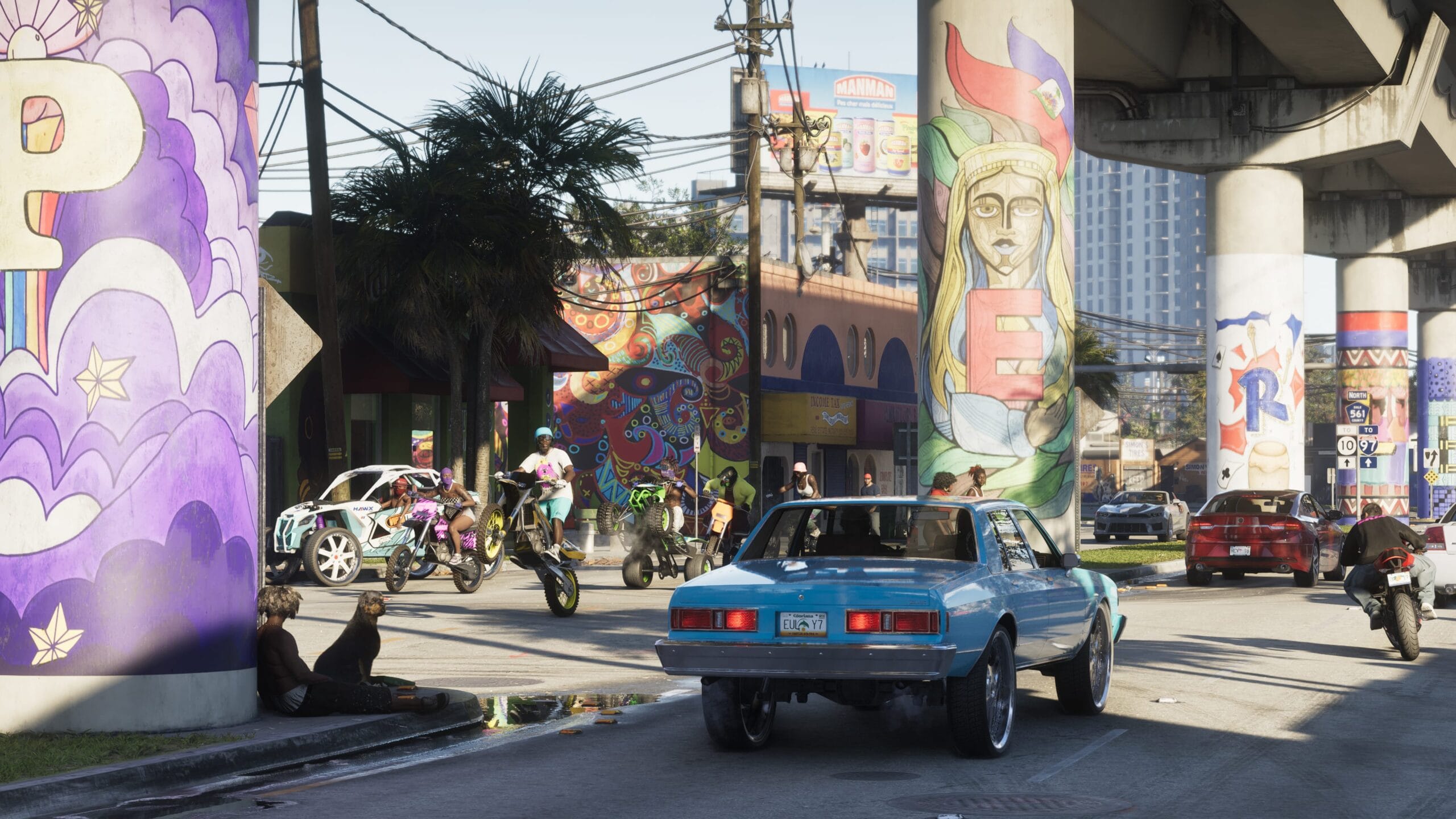
(Courtesy : Rockstar Games)
Make your driving controls easier & avoid crashes
With the massive open world and improved vehicles with realistic physics, many players have been struggling with GTA 6 driving controls. The vehicles feel too sensitive, which makes sharp turns too difficult without losing control.
Due to this, players can easily oversteer, slide around corners, and crash into obstacles with small movements. Let’s check out how you can fix this issue.
Catch Every Update, Anytime, Anywhere
Make GTA 6 driving more easier
The best way is to lower your controller sensitivity settings, which will improve the steering and make cars less unpredictable.
- Open the Pause Menu in GTA 6.
- Select the Settings option.
- Enter the Controller Options section.
- Find the Aim & Look Sensitivity settings.
- Reduce the sensitivity sliders to around 3.
Lower these settings:
- Horizontal Look Sensitivity
- Vertical Look Sensitivity
- Horizontal Aim Sensitivity
- Vertical Aim Sensitivity
- Look Acceleration
- Aim Acceleration
Also Read: Max Verstappen played GTA 6 for 40 hours & still won F1 Las Vegas GP 2026
Conclusion
Car physics is more detailed than in other games, making them heavier and more realistic in GTA 6. This will give you more immersion, but can be harder to control, particularly for anyone who’s used to the more relaxed driving experience in GTA 5.
Most players will need to practice this more carefully, especially when driving faster vehicles, as the slight controller movements have a greater effect.
One of the most recent methods to making vehicles more responsive and manageable is to adjust the sensitivity settings.
How do I make driving easier in GTA 6?
You can make driving easier by lowering your controller sensitivity settings from the Settings menu. Reducing Aim & Look Sensitivity options to around level 3 can help improve vehicle control.
Why are GTA 6 cars so difficult to control?
Many players find GTA 6 driving difficult because vehicles have more sensitive handling and realistic physics, causing cars to oversteer or slide during turns.
Do GTA 6 sensitivity settings affect driving only?
No. Changing sensitivity affects the entire game, including aiming, movement, and controlling Jason and Lucia while on foot.
For more updates, follow Khel Now Gaming on Facebook, Twitter, and Instagram; download the Khel Now Android App or IOS App and join our community on Telegram & Whatsapp.