
How to fix GTA 6 weather bug on PS5 & Xbox Series X/S?
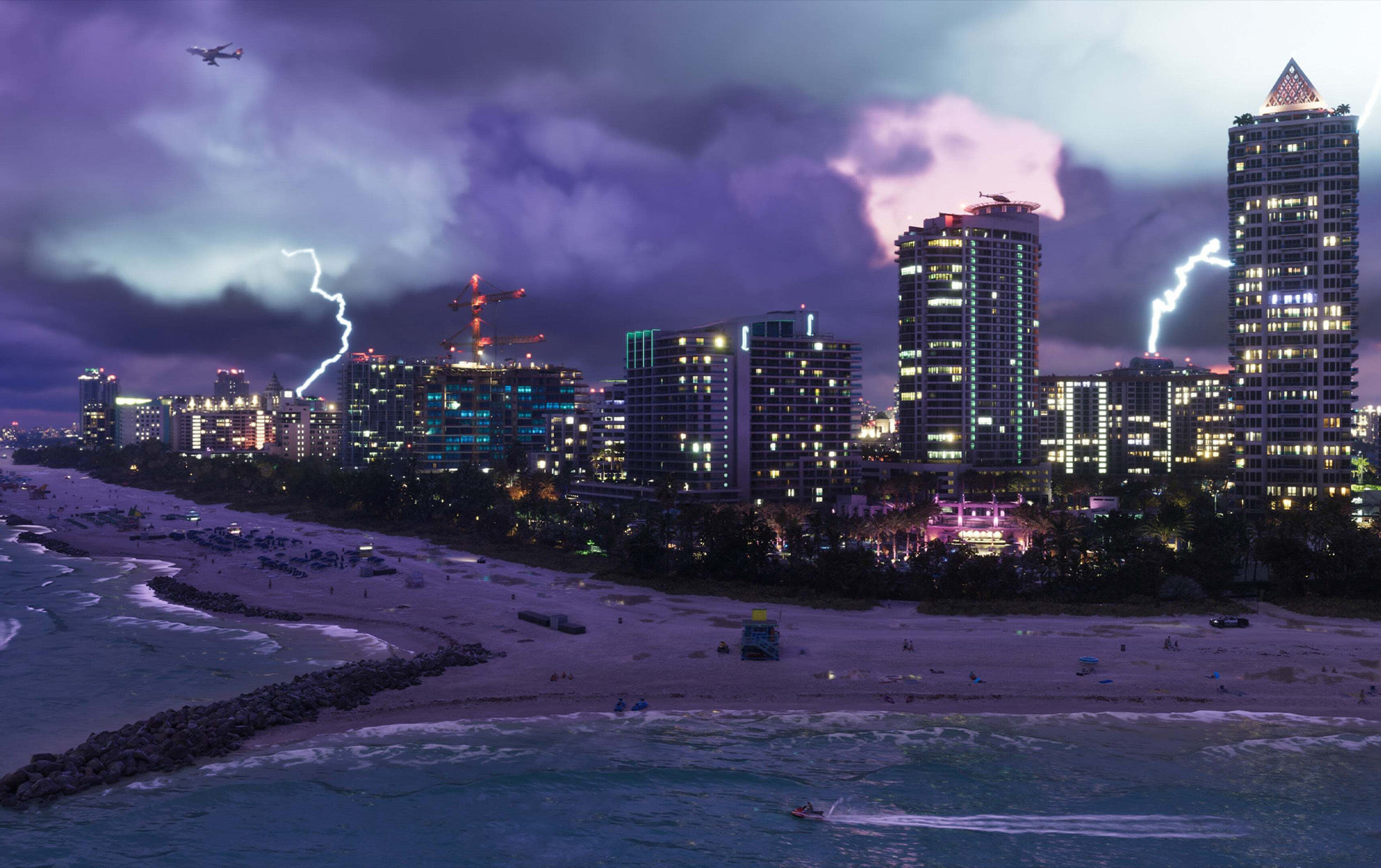
(Courtesy : Rockstar Games)
Fix the bug without losing any progress!
One of the biggest problems that many players have faced is the GTA 6 weather bug, since the launch of the game. Rockstar has added an advanced dynamic weather system, but it has not shown its full effect due to the bug.
Instead of experiencing heavy rains, storms and other weather changes, Leonida skies are staying pretty clear and sunny.
Fortunately, some players have already found an easy way to fix the bug on the consoles. Let’s check out more details in this article.
Catch Every Update, Anytime, Anywhere
How to fix GTA 6 weather bug on PS5?
PlayStation users can clear the system cache and it is the most effective method for now. Several players have already used this method and posted on forums and the internet that their weather system has now started working properly.
Here’s how to do it without losing your save files and progress:
- Turn off your PS5 completely.
- Press and hold the power button until you hear a second beep.
- Connect your controller using a USB cable.
- Press the PS button.
- Select Clear Cache and Rebuild Database.
- Choose Clear System Software Cache.
Also Read: How to unlock Hurricane Weather in GTA 6 & complete secret mission to get Gold G-Wagon
How to fix GTA 6 weather bug on Xbox Series X/S?
The same can be done for Xbox players as well by clearing their console cache. Here’s how to do it:
- Shut down your Xbox Series X|S completely.
- Disconnect the power cable from the console.
- Leave it unplugged for around two minutes.
- Plug the cable back in and restart your Xbox.
This method has worked for many players, so you can give it a try. If the problem still persists, then you should wait for the Rockstar Games official update.
Why is GTA 6 weather not changing?
Some players are experiencing a possible weather bug that prevents rain, storms, and other weather conditions from appearing normally.
How do I fix the GTA 6 weather bug on PS5?
You can try clearing your PS5 system cache by entering Safe Mode and selecting Clear System Software Cache under the Cache and database options.
How do I fix the GTA 6 weather bug on Xbox Series X|S?
Turn off your Xbox, unplug the power cable for around two minutes, reconnect it, and restart the console to clear the cache.
For more updates, follow Khel Now Gaming on Facebook, Twitter, and Instagram; download the Khel Now Android App or IOS App and join our community on Telegram & Whatsapp.