
How to fix Marvel Tokon PC Frame Pacing Issues & Stuttering?
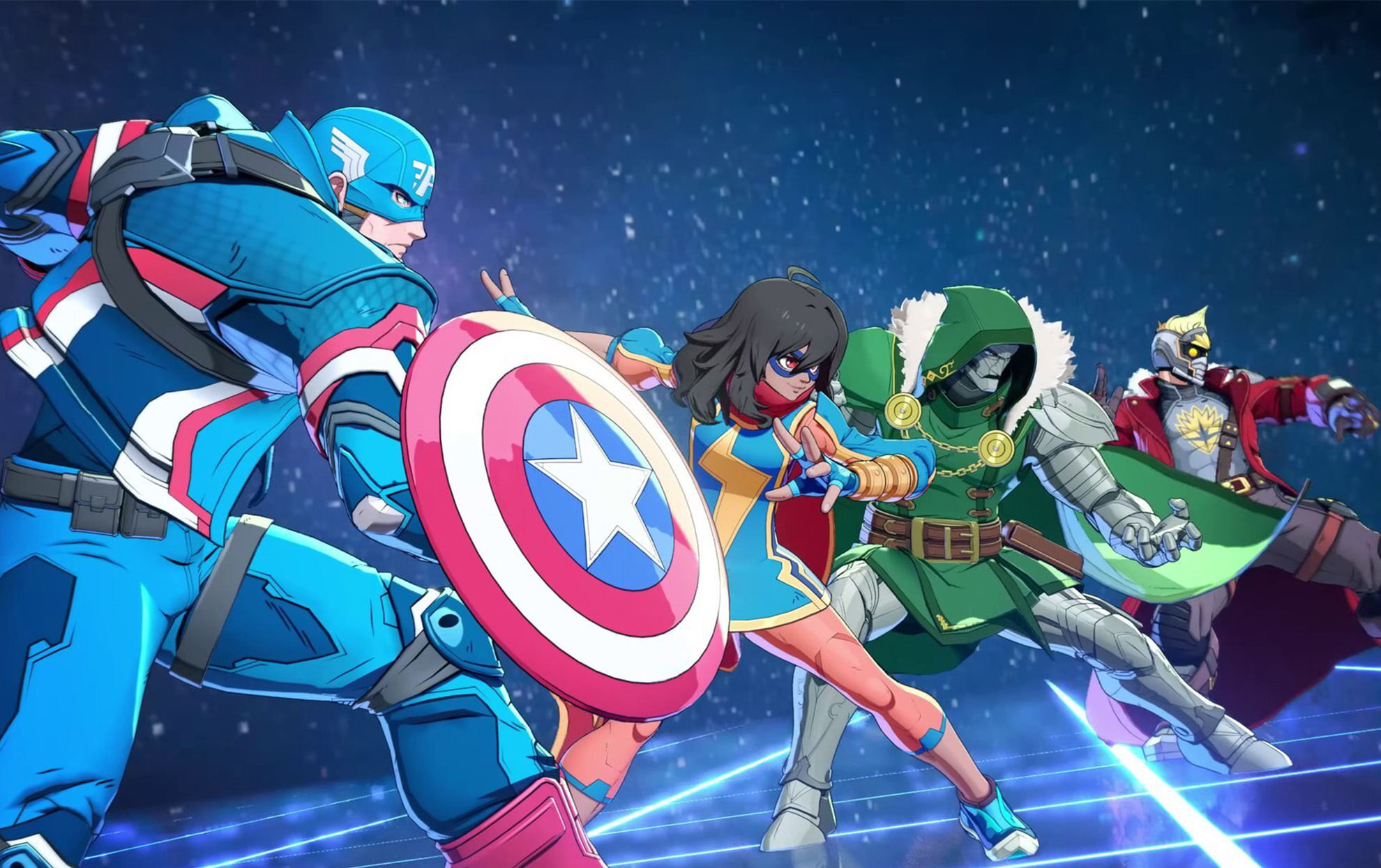
(Courtesy : ARC System Works, Sony PlayStation)
Best settings to reduce frame pacing issues
Marvel Tokon: Fighting Souls is officially out on PlayStation 5 and PC, but PC players have identified a serious and most noticeable technical issue.
Most of the PC players are facing frame pacing issues and stuttering. The best thing is that PC players have already found a good solution for this issue. Let’s check out more details in this article.
Catch Every Update, Anytime, Anywhere
Built-In FPS limiter might be the cause
Many players have discovered that the Marvel Tokon built-in FPS limiter might be the cause. This was shared on the official Subreddit group after analyzing the game performance with RivaTuner Statistics Server (RTSS).
The game’s native frame rate limiter appears to introduce recurring frame timing spikes roughly every 30 frames.
These spikes were clearly visible through the RTSS frame time graph. This is resulting in inconsistent gameplay.
So, what is the solution? Players are recommending using an external frame limiter and disabling the in-game FPS cap.
How to increase Marvel Tokon PC performance?
To stop the game from running faster than 60 fps, the following is suggested: You can use software like: to set the game to 60 fps manually.
- RivaTuner Statistics Server (RTSS)
- Nvidia App
- Nvidia Control Panel
- AMD Radeon Software
Nvidia users can also use the additional settings:
- Enable Ultra Low Latency Mode
- Turn V-Sync ON in the Nvidia App or Nvidia Control Panel
- Keep V-Sync OFF inside the game’s graphics settings
Conclusion
It is also important to note that this is not the official solution or method from the developers; instead a community-discovered workaround.
The results might also depend on the player’s hardware, graphics drivers and system configuration. Make sure you are also using the latest GPU drivers and game updates.
What causes the frame pacing issue in Marvel Tokon?
According to community testing, the game’s built-in FPS limiter may create recurring frame timing spikes, leading to inconsistent gameplay.
How can I fix Marvel Tokon’s frame pacing on PC?
Players recommend using an external 60 FPS frame limiter through RTSS, Nvidia App, Nvidia Control Panel or AMD Radeon Software instead of the in-game FPS cap.
Should I enable V-Sync?
For Nvidia users, the suggested setup is to enable V-Sync in the Nvidia Control Panel or Nvidia App while keeping it disabled in the game’s graphics settings.
For more updates, follow Khel Now Gaming on Facebook, Twitter, and Instagram; download the Khel Now Android App or IOS App and join our community on Telegram & Whatsapp.