
Schedule 1: How to find & use Pawn Shop in new update?
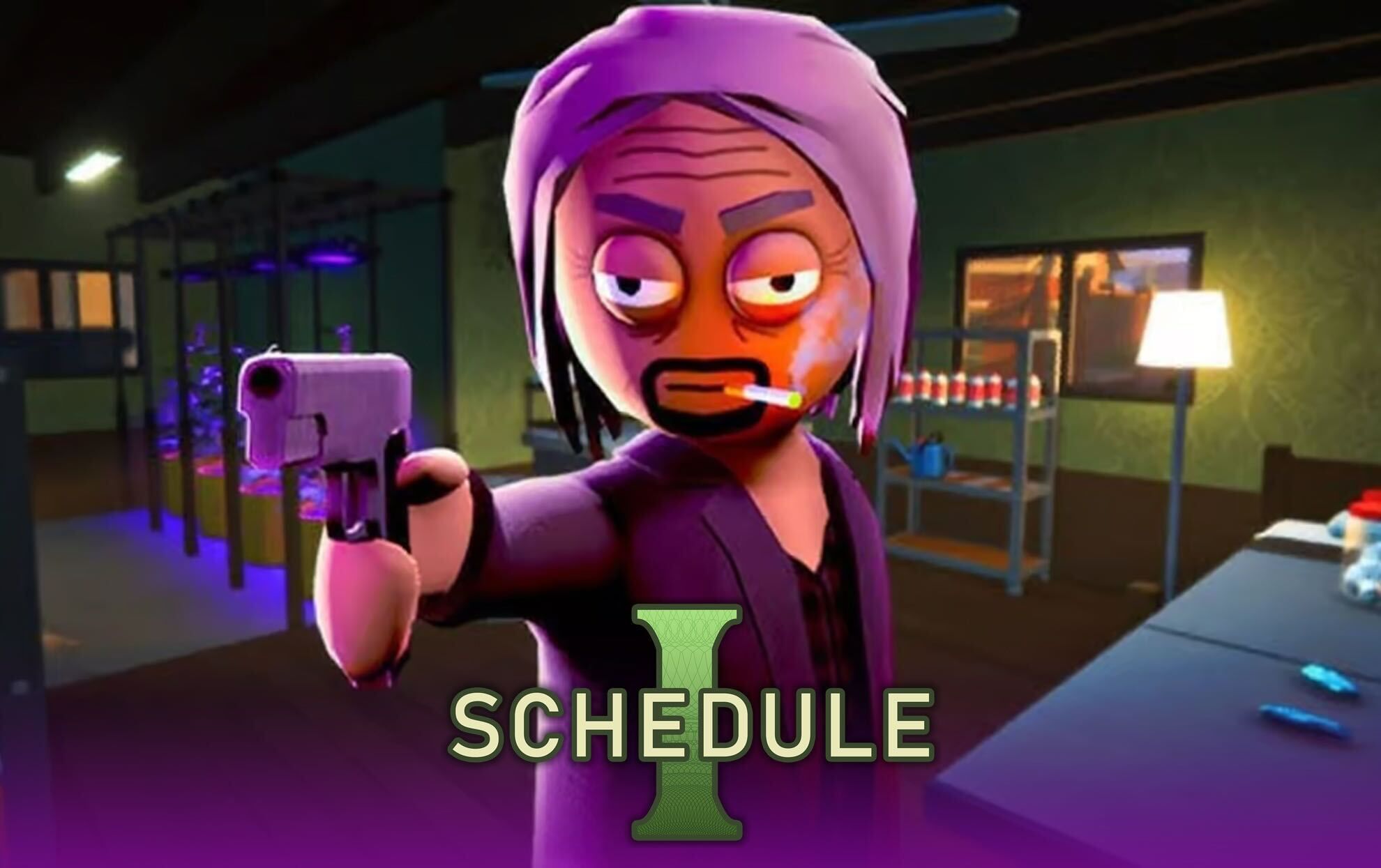
(Courtesy : TVGS)
A new way to manage inventory
The first major update, Schedule 1 v0.3.4 has been out and it has brought many cool features and new additions. The Pawn Shop is one of the new additions to the game, which makes inventory management easier than ever.
Till now, players needed to throw away the unwanted items to free up some space, but now, you will be able to sell them for some extra cash. Let’s check out more details in this article.
Catch Every Update, Anytime, Anywhere
Where to find the Pawn Shop?
The new Pawn Shop is located in the western part of Hyland Point in Schedule 1. This spot is also very easy to spot. The shop is positioned right on the main road, just to the right of the Warehouse entrance. This also can be considered as a key mark in the game.
Players can also easily navigate from other POI’s like Taco Ticklers or the Skate Park. The Pawn Shop is now fully interactive, with a new NPC named Mick who will buy practically anything you have—except narcotics, of course.
Also Read: Is Schedule 1 available on PlayStation or Xbox?
How to use the Pawn Shop in Schedule 1?
Using the shop is very easy and everyone can use it from the start.
- Add products to Your Inventory: Gather the products you want to sell, such as extra food, weapons, or decorative items, and place them in your inventory.
- Visit the Pawn Shop: Proceed to the shop’s location near the Warehouse entrance. It is open daily from 6 a.m. to 6 p.m. in-game time, so plan your visit accordingly—it closes at night.
- Speak to Mick: Interact with Mick, the shop’s NPC, to begin the selling procedure. He will evaluate your item and provide a pricing.
- Accept or Reject: You have the option of accepting Mick’s original offer, rejecting it, or negotiating with a counteroffer. If Mick accepts your counter-offer, the transaction is completed, and the cash is deposited into your account.
This new addition to Schedule 1 will be very helpful for the players to earn some extra cash by selling the useless items in their inventory.
For more updates, follow Khel Now Gaming on Facebook, Twitter, and Instagram; download the Khel Now Android App or IOS App and join our community on Telegram & Whatsapp.