
Monster Hunter Wilds: How to hide your helmet & headgears?
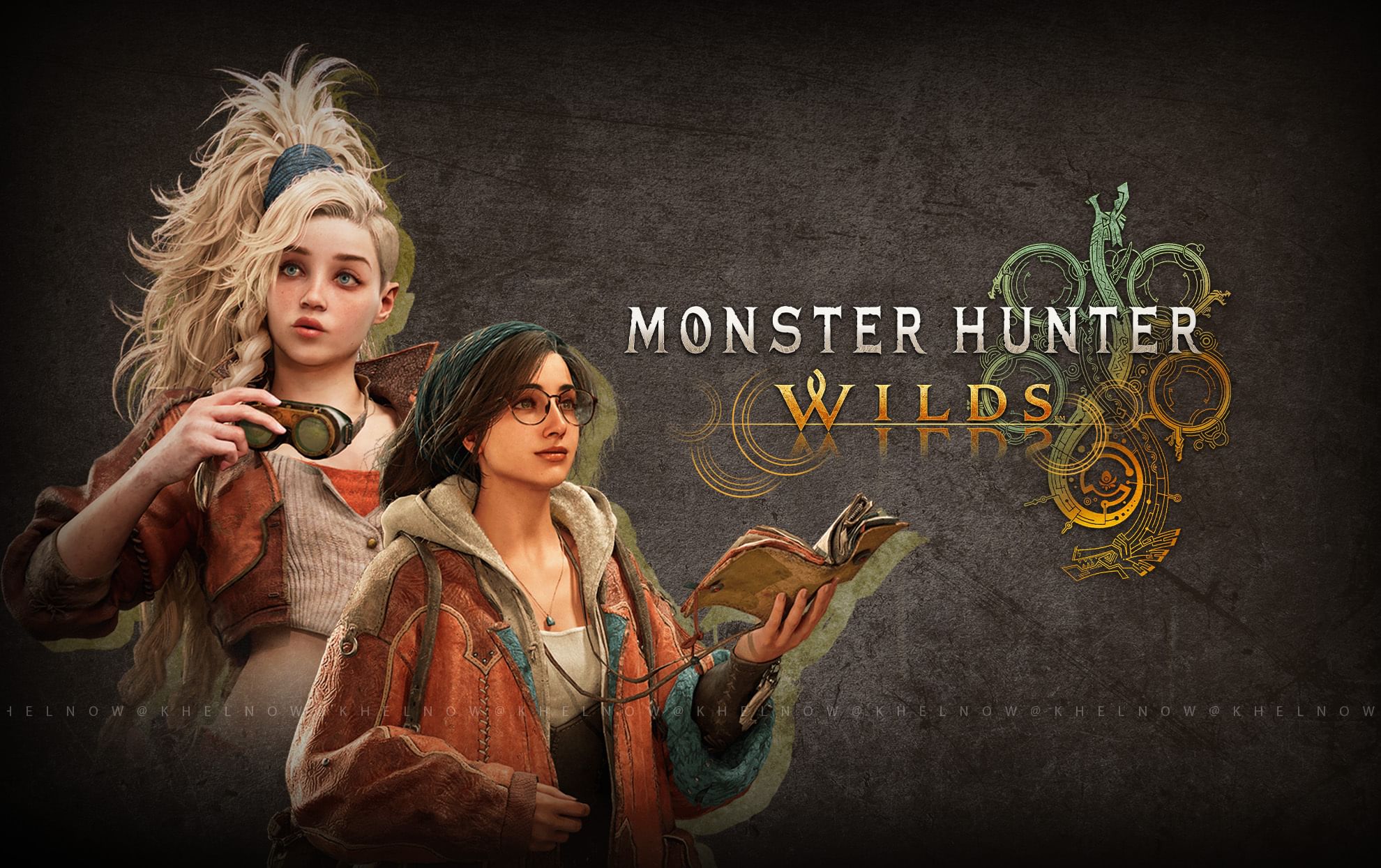
(Courtesy : Capcom)
Your hunter should look cool
The fans are currently enjoying the wilder monster hunting ride with the newly released Monster Hunter Wilds. For hunters, apart from some crazy gear, appearance also matters to flex your character.
Whether you want to show off your elegant armor set or display your character’s face in cutscenes, covering your helmet or headgear is a simple change that keeps your stats intact. Let’s check out more details in this article.
Catch Every Update, Anytime, Anywhere
Steps to hide your helmet or headgear
Hiding the headgear or helmet totally depends on your choice in Monster Hunter Wilds. This does implement stats as they stay intact even after hiding the helmet or headgear. Here’s how you can do it:
- Head to Your Tent: This hub allows you to change your gear, weapons, and appearance.
- Open the Appearance Tab and explore the modification options available here.
- Select Equipment Appearance: A new window appears, displaying all five armor slots (Helmet, Chest, Arms, Belt, and Legs).
- Toggle the Head Option: Disable the Head section to remove your helmet.
Also Read: Will Monster Hunter Wilds be on Xbox Game Pass?
Some advantages
- Layered Armor: Change the look of your gear without changing the stats—check it out for ultimate personalization.
- Immersion Boost: Avoid heavy armor while gathering for a more grounded experience.
- First, preview your look using the Equipment Appearance menu before locking it in.
- Switch Anytime: You can turn on or off helmet visibility whenever you want—perfect for combat or casual exploration.
- Mix and Match: Hide certain pieces and keep others for a unique armor look.
Not only headgear, you can also hide other pieces like the chest or arms too. You will find this option in Change Appearance in the same menu.
This is totally a persona choice. Showing out your Hunter’s face can enhance cutscenes or help teammates find you in co-op. Plus, it’s a flex if you’ve spent time perfecting your look in Monster Hunter Wilds.
Sometimes, the gear is so cool looking that you don’t want to hide it, or sometimes it might be vice versa. So, are you enjoying Monster Hunter Wilds so far? Do share your thoughts with us in the comment section.
For more updates, follow Khel Now Gaming on Facebook, Twitter, and Instagram; download the Khel Now Android App or IOS App and join our community on Telegram & Whatsapp.