
New PlayStation Portal update 7.1.7 can improve battery life
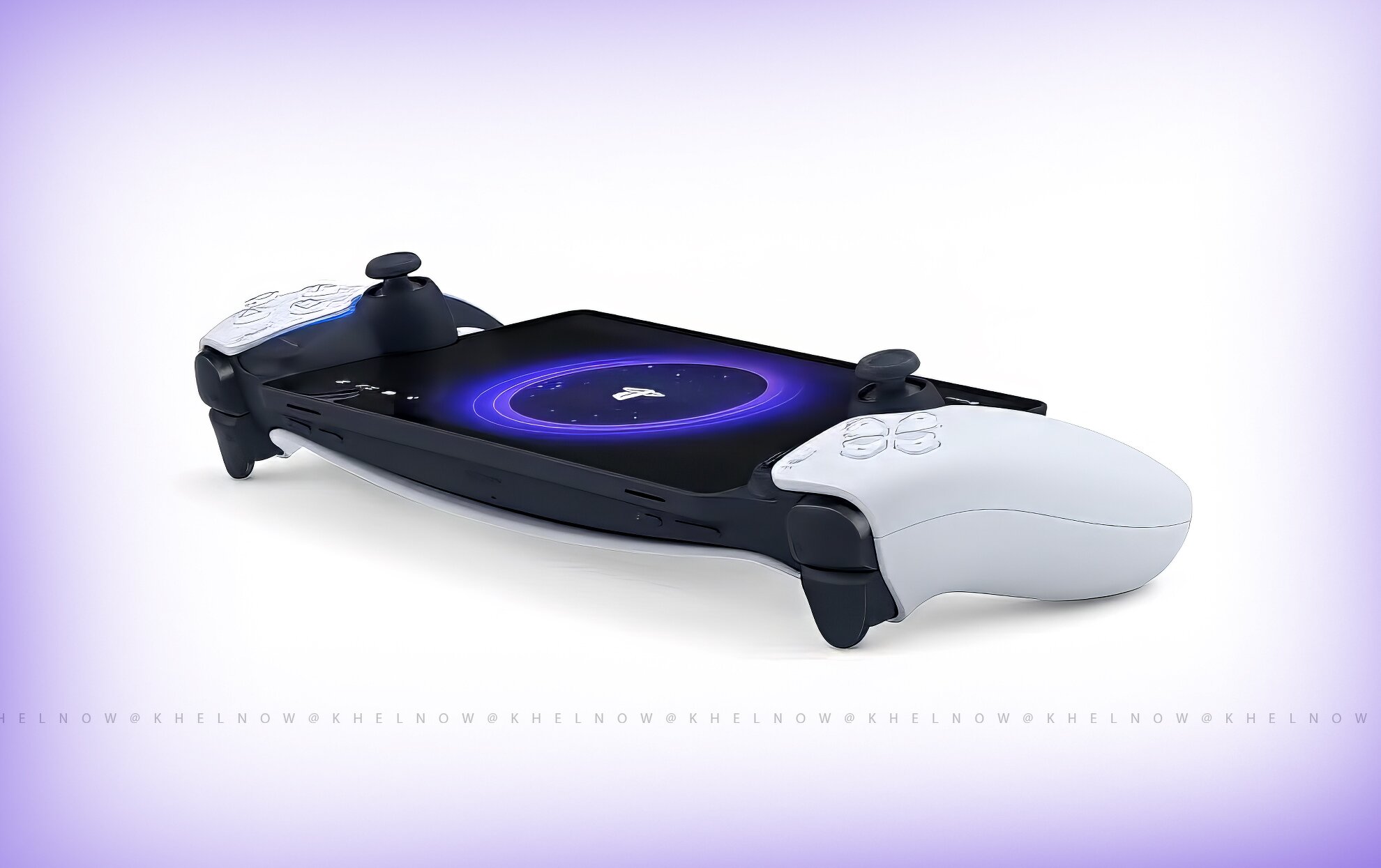
(Courtesy : Sony PlayStation)
A great new update for Portal
Sony has officially released a new PlayStation Portal update 7.1.7 that focuses on improving the battery health and long-term performance of the handheld.
A new charging feature has been introduced that will protect the battery of the device and maintain it’s health over time. Let’s check out more details in this article.
Catch Every Update, Anytime, Anywhere
PlayStation Portal update 7.1.7 details
The most significant changes in PlayStation Portal 7.1.7 are an 80% charge limit and the new ability to hookup to the PlayStation 3’s HDMI output. Once the update is installed, the device will automatically reduce the charging to 80% always.
According to Sony, this feature is specially designed to support the long term battery health. How will it do it? By reducing the stress on the internal battery.
Keeping the lithium-ion batteries on full chrage for a long period of time can damager the battery health and it’s lifespan.
Users wishing to make a change can do so manually by heading to Settings > System > Battery via the PlayStation Portal. But the company advises users to not exceed 80% and notes that exceeding the limit could impact battery performance and longevity.
Apart from the battery life, the new PlayStation Portal update 7.1.7 also focus on geenral improvements to the system software, message functionality, and usability.
Also Read: Can Xbox Series X run PS5 games? New experimental emulator makes it possible
Conclusion
Sony has also recommended players to maintain good charging habits to secure and preserve a good battery life for their handheld.
The update also forces users to download the latest version of software on their PlayStation Link device before pairing it with PlayStation Portal. Players can update PlayStation Link by plugging in the USB adapter to either a PS5 console or a computer.
What is new in PlayStation Portal update 7.1.7?
Update 7.1.7 adds an 80% charging limit feature designed to improve long-term battery health and also includes system stability improvements.
Can I disable the 80% charging limit on PlayStation Portal?
Yes, users can manually change the battery charging limit through Settings > System > Battery. However, Sony recommends keeping it at 80% for better battery longevity.
Does charging PlayStation Portal to 100% damage the battery?
Regularly charging any lithium-ion battery to 100% and keeping it there for long periods can contribute to faster battery wear. The 80% limit helps reduce this stress.
For more updates, follow Khel Now Gaming on Facebook, Twitter, and Instagram; download the Khel Now Android App or IOS App and join our community on Telegram & Whatsapp.