
Phasmophobia: How to record sound & videos?
(Courtesy : Kinetic Games)
Chronicle update guide!
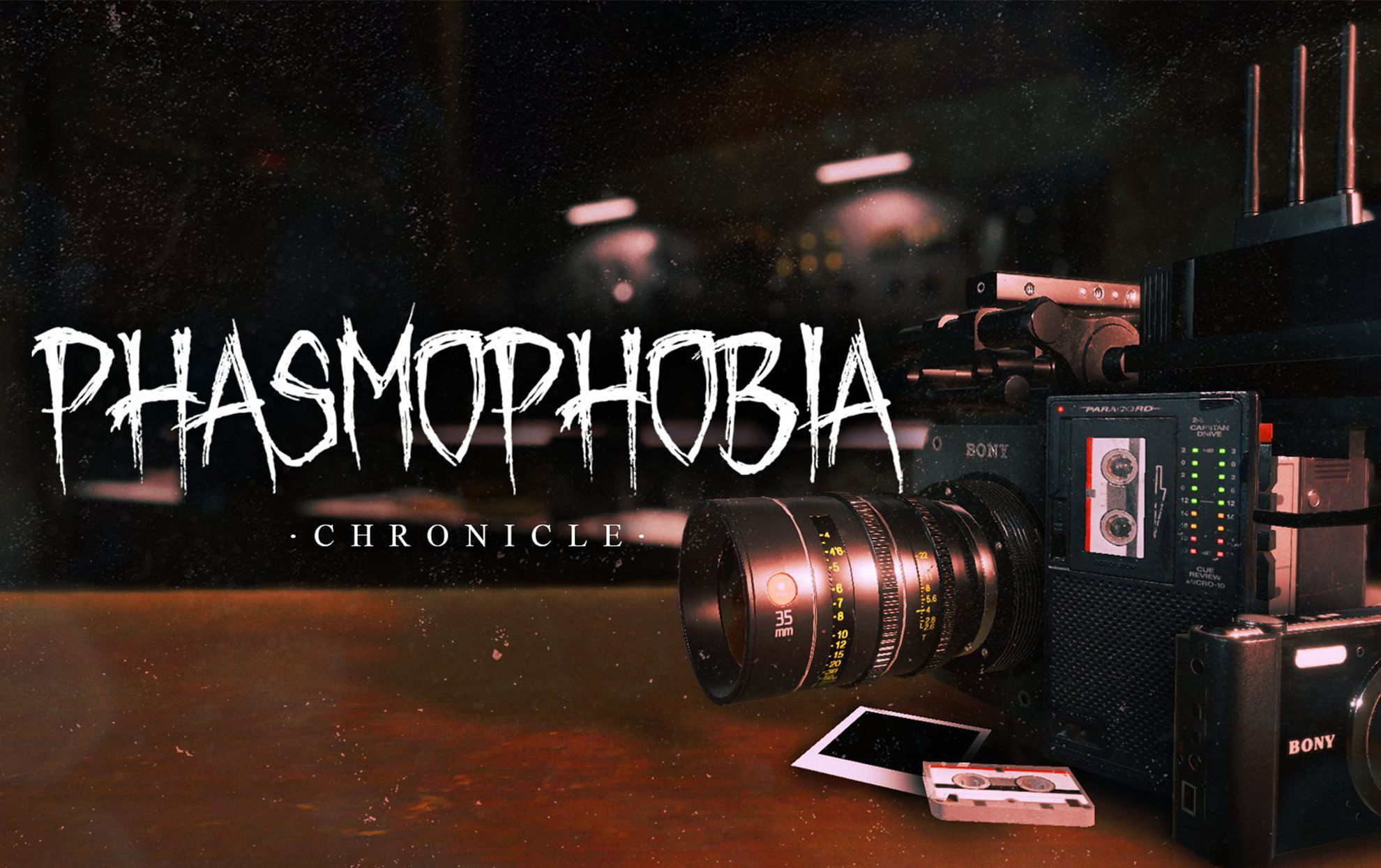
On June 24, 2025, the developers released the Chronicle update for the Phasmophobia game. This patch has introduced the Sound Recorder and a major media overhaul.
This has changed the experience for this multiplayer ghost-hunting game. Let’s check out the guide on how to use the new tools effectively in the new update.
Catch Every Update, Anytime, Anywhere
How to get and use Sound Recorder in Phasmophobia?
Sound Recorder is a game changer, but you have to purchase this tool from the shop. Unlock the Tier 1 version at level 4 for $30, Tier 2 at level 39, and Tier 3 at level 60.
High Tier ones provide better audio quality and are super easy to use. Before starting each task, go to the Equipment Manager and add it to your loadout. Note: If you die with it during an inquiry, it’s lost.
To record, hold the interact button. With this manual control, you can capture duplicate evidence. Do remember that there are only three deletion slots per investigation.
The green lights on the gadget indicate optimal loudness; move about when they flicker to locate the sweet spot, then hold to capture.
Check your journal for results. Recordable sounds include: paranormal whispers, hunting ghosts, singing ghost experiences, and Spirit Box responses in Phasmophobia.
Also Read: What to expect from Xbox at Gamescom 2025?
How to record videos?
The video camera has now become the standard tool in your van. Equip it and press the interact button to record at any time—non-evidence footage is not saved, so there is no need to worry about slots.
The camera alerts you when there is recordable evidence; keep an eye out for notifications and respond quickly. You can also monitor from the van using CCTV with tripod-mounted cameras or head cameras.
Players can record up to five videos every investigation, with a three-media deletion restriction that includes videos, images, and audio.
To delete, open your Journal, go to the Media page, and hit the dustbin icon for each clip in Phasmophobia.
For more updates, follow Khel Now Gaming on Facebook, Twitter, and Instagram; download the Khel Now Android App or IOS App and join our community on Telegram & Whatsapp.