
Unlock Mada's VALORANT settings & crosshair
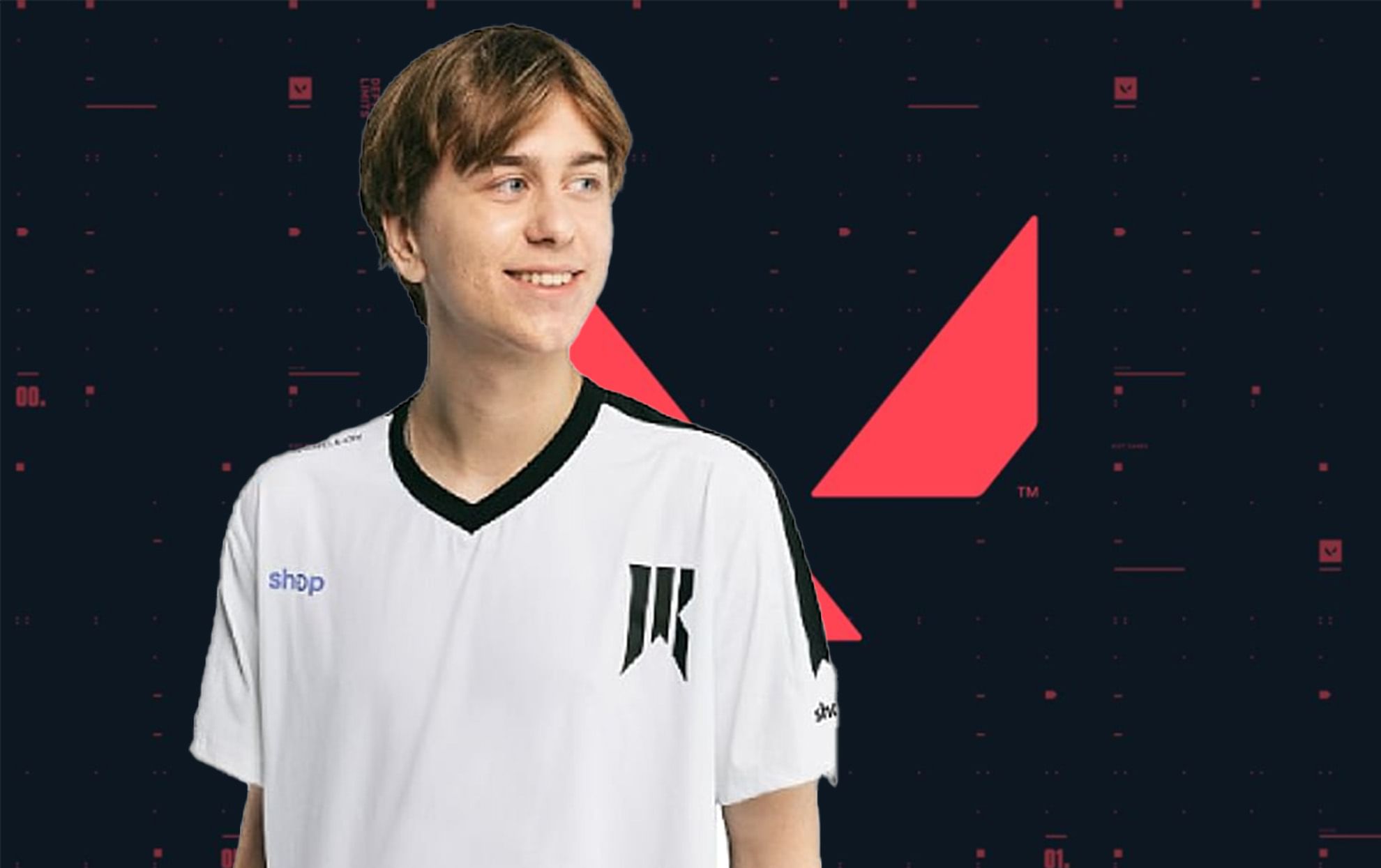
(Courtesy : Valorant, Mada)
Unleash his magic
Adam “Mada” Pampuch, the newest member of the NRG Esports for the VALORANT 2025 season, has become quite popular among the fans and gaming community.
As a primary Duelist and his exceptional performances, particularly during the SOOP League, he is a Canadian professional player, who has established himself in the esports scene. Mada joined NRG Esports after co-founding ProSettings and gaining ten years of experience in CS:GO and other first-person shooter games.
Catch Every Update, Anytime, Anywhere
Mada’s crosshair settings
To use his crosshair in the game, simply paste this code into your game settings:
Code: 0;s;1;P;u;000000FF;o;1;d;1;f;0;m;1;0l;2;0v;3;0o;0;0a;1;0f;0;1b;0;S;b;1;c;8;t;00FF66FF;o;1
Breakdown
- Outlines: On (Opacity 1, Thickness 1)
- Center Dot: On (Opacity 1, Thickness 2)
- Inner Lines: On (Opacity 1, Length 2, Thickness 2, Offset 0)
- Movement Error, Firing Error: Off
- Outer Lines: Off
Also Read: Meet Tejo: Valorant’s newest Initiator agent
Game’s settings
Here are the game settings that you can copy:
Graphics Settings:
- Resolution: 1920×1080
- Aspect Ratio: 16:9
- Aspect Ratio Method: Letterbox
- Display Mode: Fullscreen
- Multithreaded Rendering: On
- Material, Texture, Detail, and UI Quality: All set to Low
- Vignette, VSync, Bloom, Distortion, Cast Shadows: Off
- Anti-Aliasing: MSAA 4x
- Anisotropic Filtering: 4x
- Improve Clarity, Experimental Sharpening: Off
Mouse Settings:
- DPI: 800
- Sensitivity: 0.37
- Scoped Sensitivity: 1
- ADS Sensitivity: 1
- eDPI: 296
- Hz: 1000
- Windows Sensitivity: 6
- Raw Input Buffer: On
Now can you unleash the same magic as him in the game? Most probably not, because he has put a lot of hours into his gameplay skills and you have to be as dedicated as him in the game as well.
Make sure to practice a lot with these new settings and you can also tweak some changes according to your comfort level. Only more practice and hours into VALORANT will make you a great player.
If you are a new player, then this setting might not be very good and comforting for you. Usually, you should play with the default settings and try to get better with that aim setting. After that, you can tweak the changes to the areas where you are having some trouble.
For more updates, follow Khel Now Gaming on Facebook, Twitter, and Instagram; download the Khel Now Android App or IOS App and join our community on Telegram & Whatsapp.